Create Your First PartyShare Listing
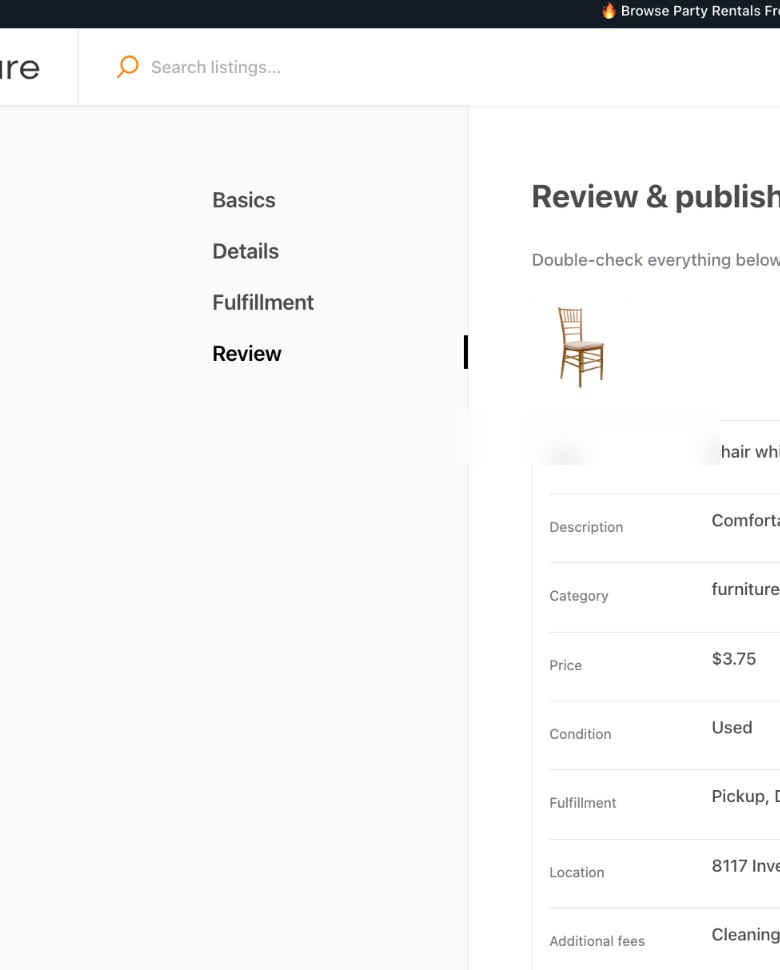
Walk through PartyShare’s current four-step listing flow: Basics, Details, Fulfillment, and Review.
Why this matters
Your first listing establishes the pattern for the rest of your catalog. If the first one is accurate and complete, future listings are faster and renters receive clearer information.
Step by step
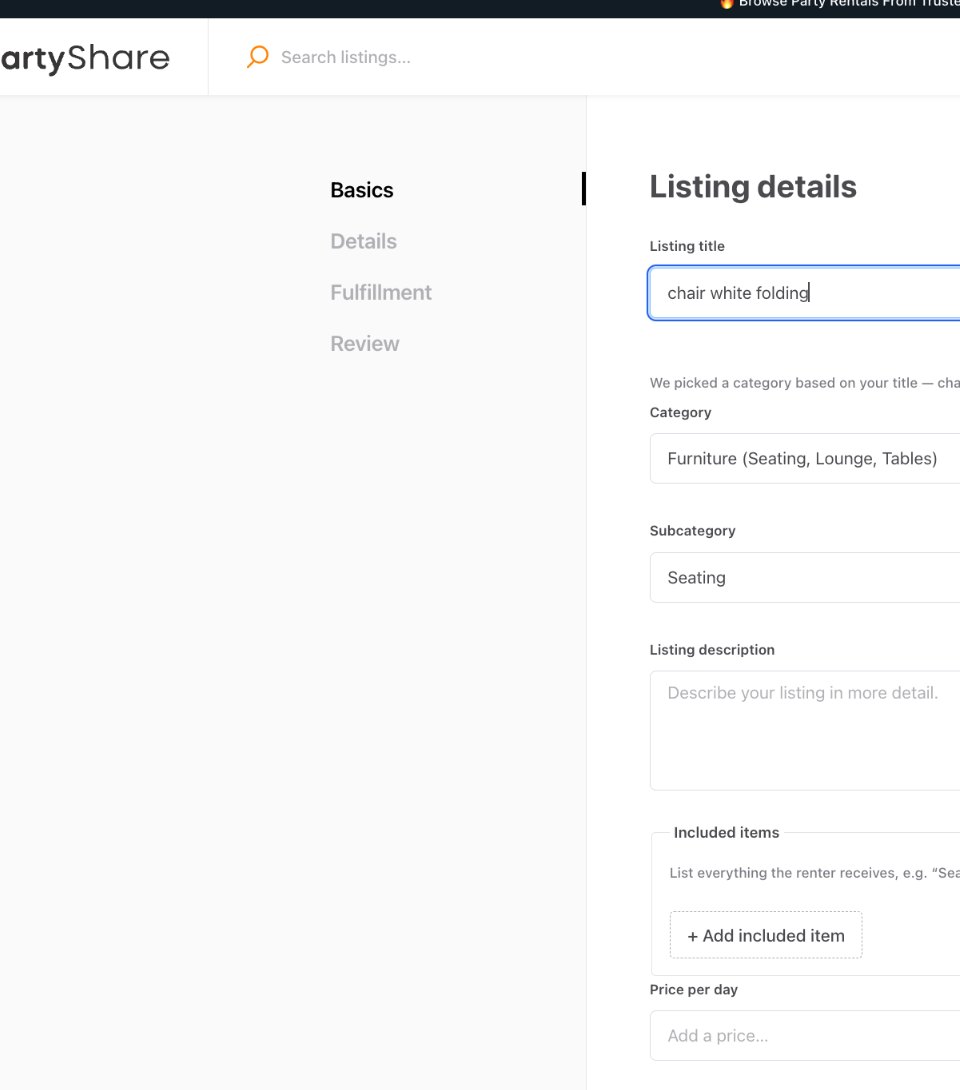
Choose a clear listing title
Name the actual rental item in plain language. Avoid promotional filler that makes the item harder to identify.
Confirm category and subcategory
PartyShare can suggest a category from the title. Confirm the category and subcategory actually match the item.
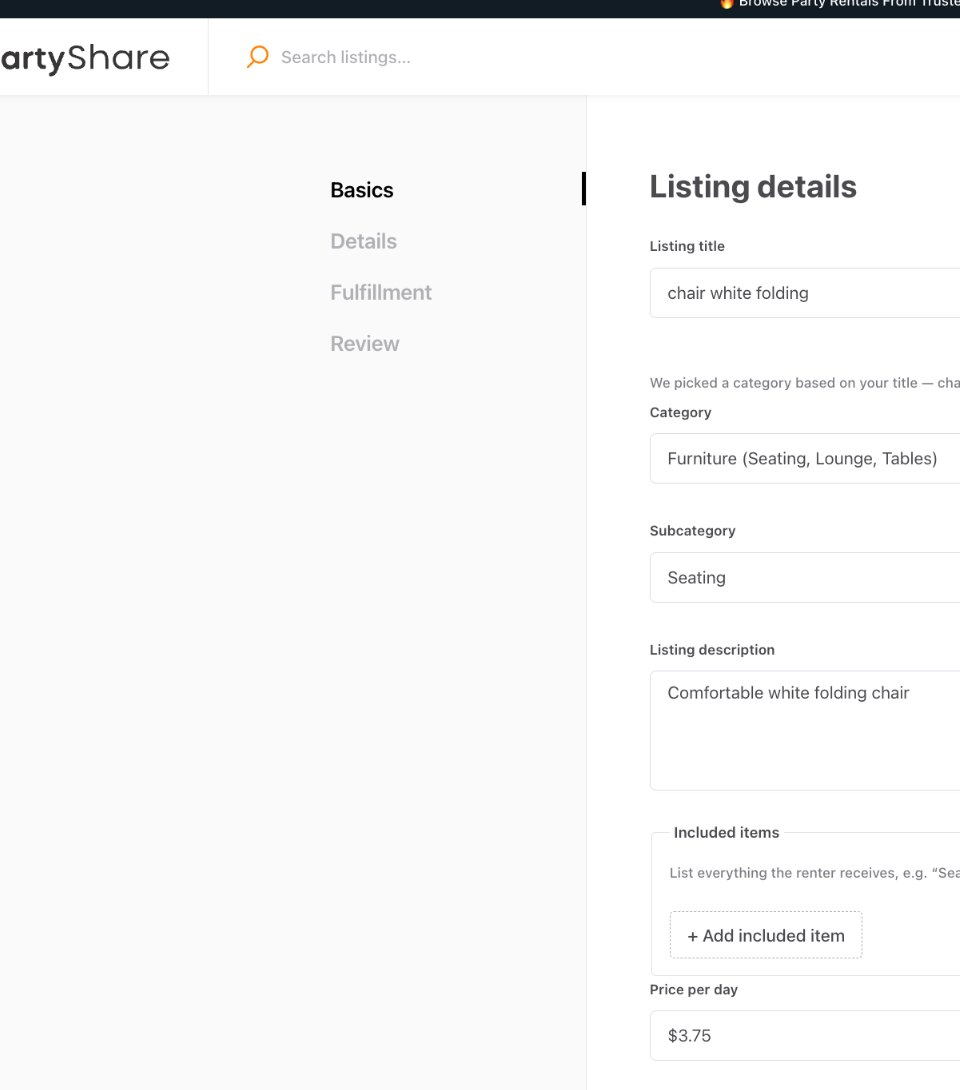
Write a factual description
Explain the item, intended use, important specifications, and condition without promising features that are not included.
List included items
Use Included items for the pieces or accessories the renter receives.
Set price and quantity
Enter the Price per day and the number of units you actually have available.
Select condition and add photos
Choose the appropriate condition and add clear photos. PartyShare requires at least one image to continue and currently recommends 2-3 good-quality photos from different angles.
Complete Details
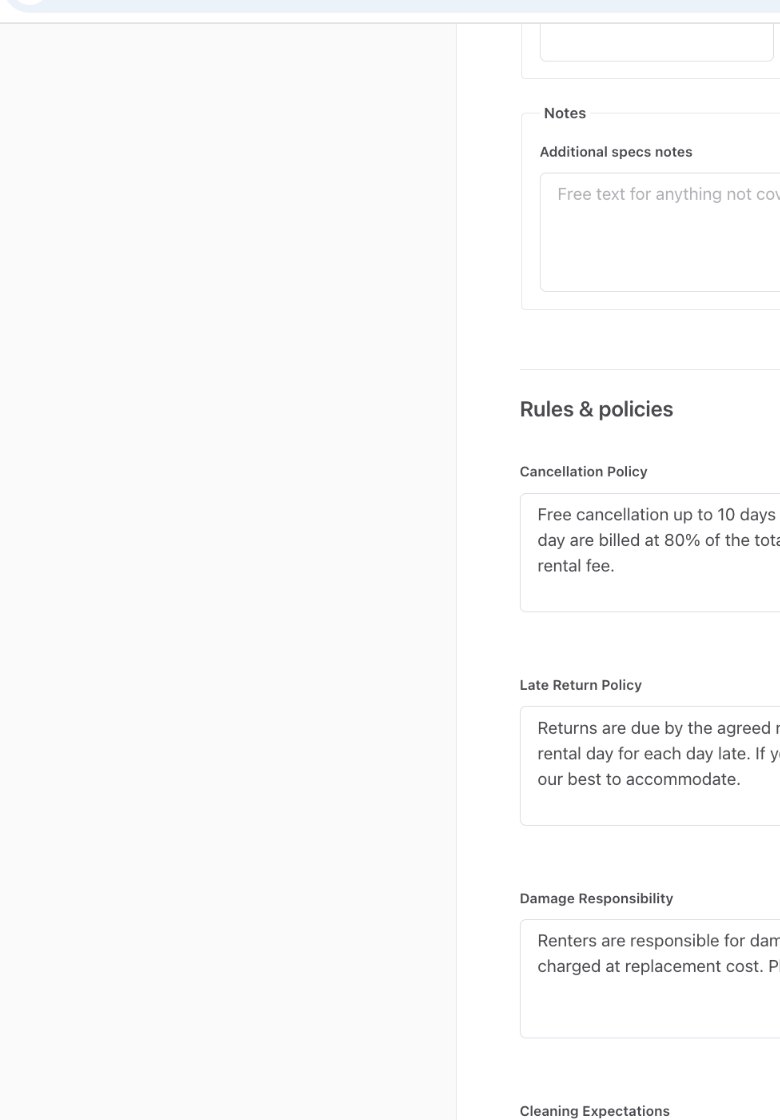
Add specs notes, listing-specific policy fields, rules, and any supported additional fees.
Configure Fulfillment
Use the Fulfillment step to set the pickup/delivery choices available in your account.
Review the summary
Check title, description, category, price, condition, fulfillment, location, additional fees, and rental policies on Review & publish.
Publish and inspect the live listing
After publishing, open the renter-facing page and make sure the result is easy to understand on both desktop and mobile.
Correct vs. avoid
Good approach
“White folding chair” with a factual description, accurate quantity, clear photos, correct category, and disclosed fees.
Avoid
“BEST PARTY CHAIR!!!” with one dark photo, vague description, wrong quantity, and mandatory charges hidden in free text.
Completion checklist
- Title clearly names the item.
- Category and subcategory are correct.
- Description is factual and useful.
- Included items are listed.
- Price per day is accurate.
- Quantity matches real stock.
- Condition is accurate.
- At least one clear photo is uploaded; ideally 2-3 useful angles.
- Specs and rules are complete where relevant.
- Additional fees are structured and understandable.
- Fulfillment is configured.
- Review screen matches what I intend to publish.
- I opened the published listing after publishing.
Common mistakes
- Choosing a category for SEO instead of item accuracy.
- Using stock-style copy that does not describe the actual rental.
- Entering total warehouse stock when some units are unavailable.
- Hiding unavoidable charges in the description.
- Publishing without checking the renter-facing result.
Frequently asked questions
What are the current listing steps?
Basics, Details, Fulfillment, and Review.
Complete first-listing standard
A launch-quality listing should answer the renter's main questions without requiring a message: what the item is, what is included, what it costs, how many are available, what condition it is in, how pickup/delivery works, and what listing-specific terms apply.
Specifications, quantities, and configurations
Use the specifications/notes areas PartyShare provides for dimensions, capacity, power needs, material, compatibility, or other facts that affect whether the item fits the event. If PartyShare provides a variant or configuration control for your category, keep stock accurate by option. If it does not, do not invent a field or promise a configuration that the listing cannot represent clearly.
Lead time and operating buffers
Some rentals need preparation, cleaning, charging, packing, or turnaround time. Where the current PartyShare workflow provides lead-time, blackout, preparation, or return-buffer controls, use them. Where it does not, keep your operational calendar conservative and avoid accepting dates that leave too little time to prepare the next order.
Pre-publish listing-quality self-check
The following weighted score comes from PartyShare's launch blueprint as an education and QA framework; it should not be presented as a live product score unless the beta actually implements one.
| Area | Weight | What good looks like |
|---|---|---|
| Images | 25% | Actual item, clear primary image, useful angles, honest condition. |
| Description & included items | 15% | Factual, specific, complete, no hidden exclusions. |
| Pricing | 15% | Base price and supported additional charges are understandable. |
| Availability & stock | 15% | Quantity and dates reflect what can actually be fulfilled. |
| Fulfillment | 15% | Pickup/delivery information is complete and realistic. |
| Policies | 10% | Only approved/current listing terms are used. |
| Specifications | 5% | Useful fit, size, power, material, or setup facts are included. |
If a listing is materially incomplete, keep it as a draft and fix the missing information before it is promoted to renters.
Completion checklist
- Correct category/subcategory selected.
- Clear factual title and description completed.
- Included items are explicit.
- Useful specifications are present.
- Quantity reflects real stock.
- Price per day is accurate.
- Condition is accurate.
- 2-3 useful photos are included when possible.
- Fulfillment configuration is complete.
- Listing-specific terms and supported fees are complete.
- Lead time/operating buffers are protected where relevant.
- Desktop and mobile renter-facing view has been checked.
- Listing-quality self-check passes before publication.