Founding Vendor Walkthrough & Training
A 30-45 minute curriculum that walks vendors from the PartyShare opportunity — including the founding vendor's first-mover advantage: top placement and the first reviews while inventory is scarce — through onboarding, listings, fulfillment, returns, reviews, payouts, and support.
Why this matters
A live walkthrough turns a set of help articles into a coherent operating model. Vendors can see where the workflows connect and ask questions before real transactions expose confusion.
Step by step
PartyShare opportunity
Explain the marketplace, the Founding Vendor role, and why accurate supply and fulfillment matter.
Account and payout setup
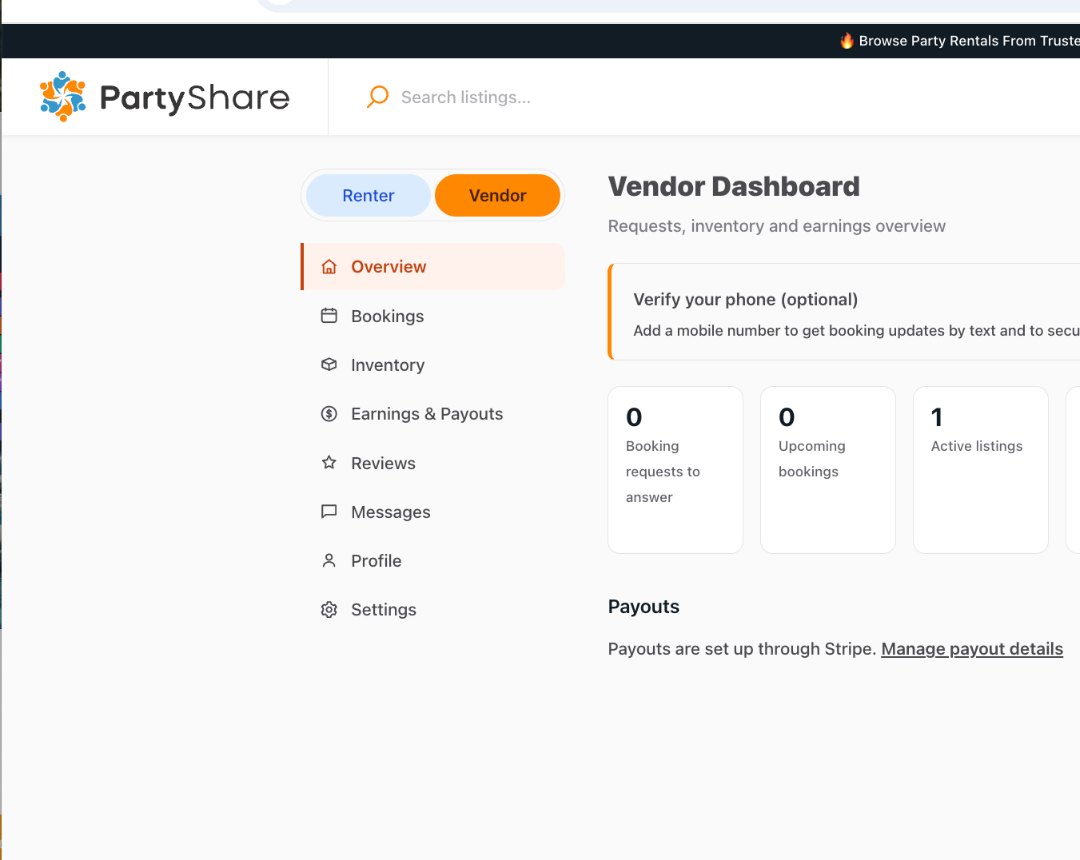
Show the Vendor Dashboard, Profile/Settings, and Earnings & Payouts.
Create a strong listing
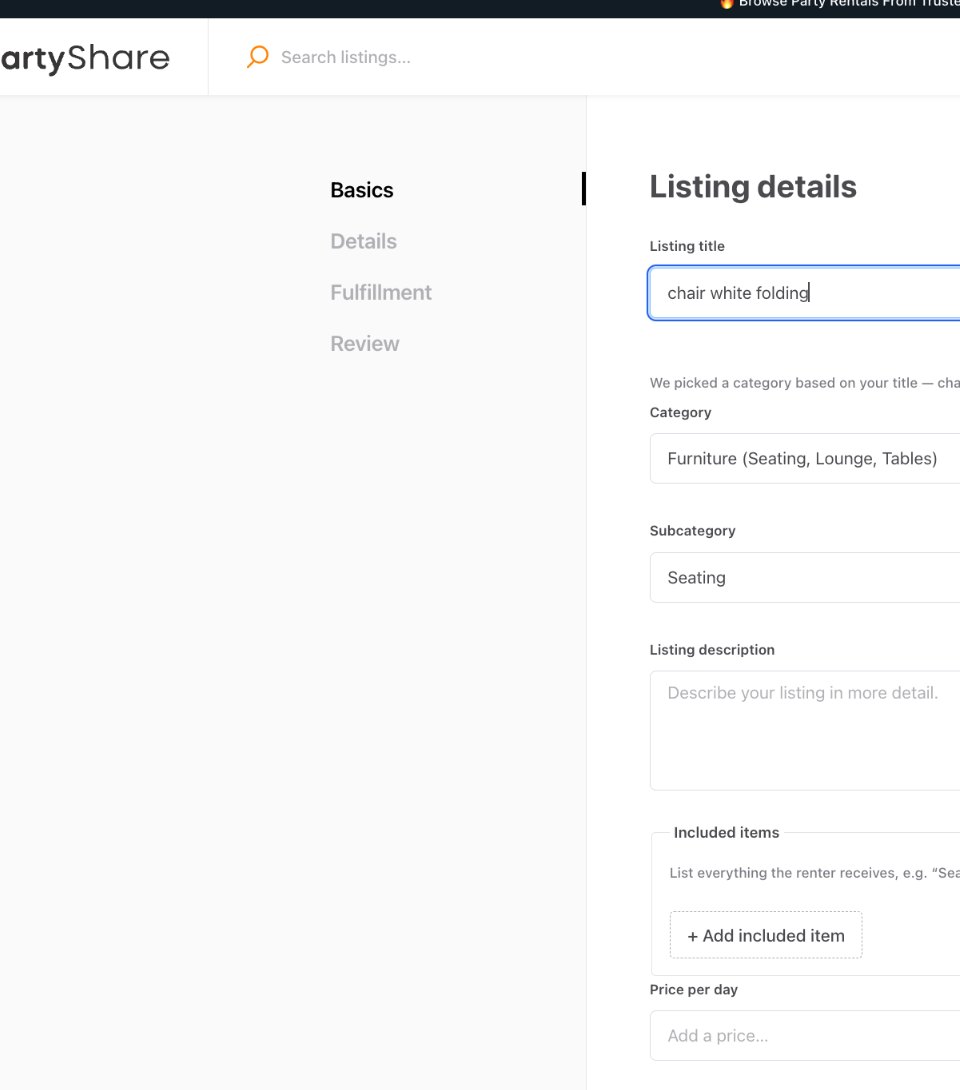
Walk through Basics, photos, titles/descriptions, price, quantity, and condition.
Details and policies
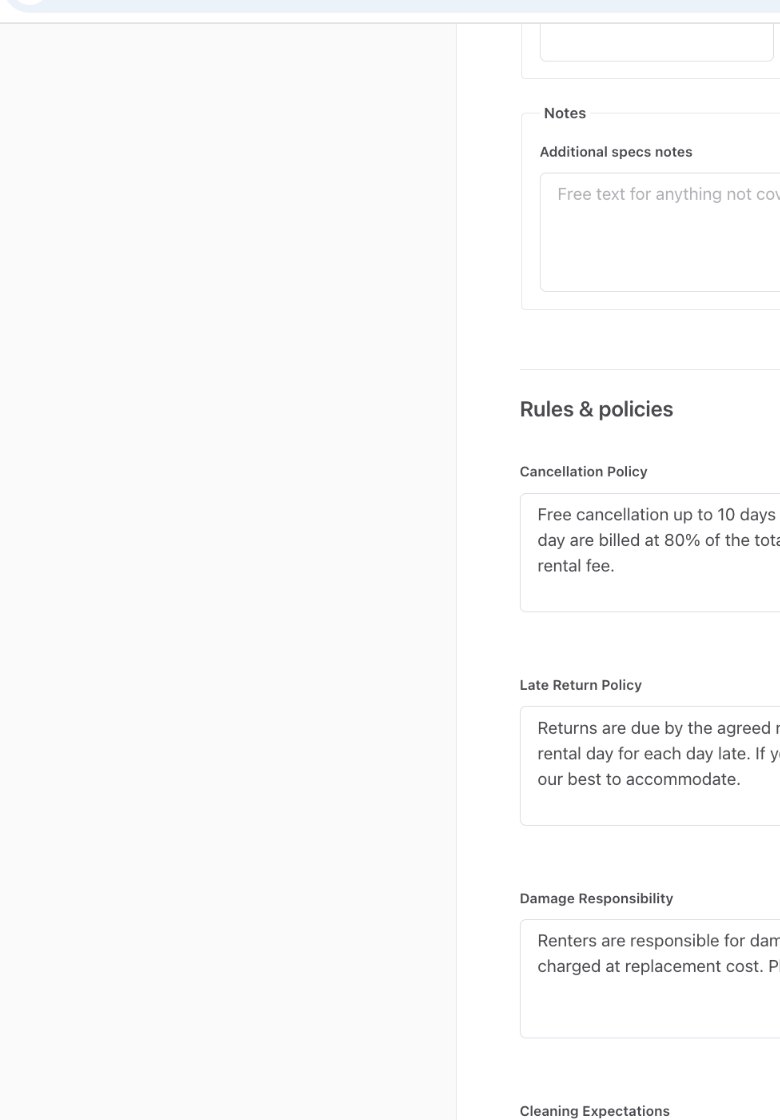
Show specs, rules, additional fees, and approved policy fields.
Fulfillment
Explain pickup/delivery setup and renter-facing fulfillment choices.
Inventory and availability
Show how active listings and drafts are managed and why quantity/availability must stay current.
Bookings and messages
Show where requests and renter communication live.
Order fulfillment
Use the pre-handoff, handoff, and return checklist.
Condition evidence and returns
Explain before/after photos and prompt inspection.
Reviews and listing improvement
Show how recurring renter questions and reviews improve listings.
Payouts and support
Show payout information and the Vendor Success escalation path.
Questions and next action
End with a concrete action: finish onboarding, publish a listing, update inventory, or review orders.
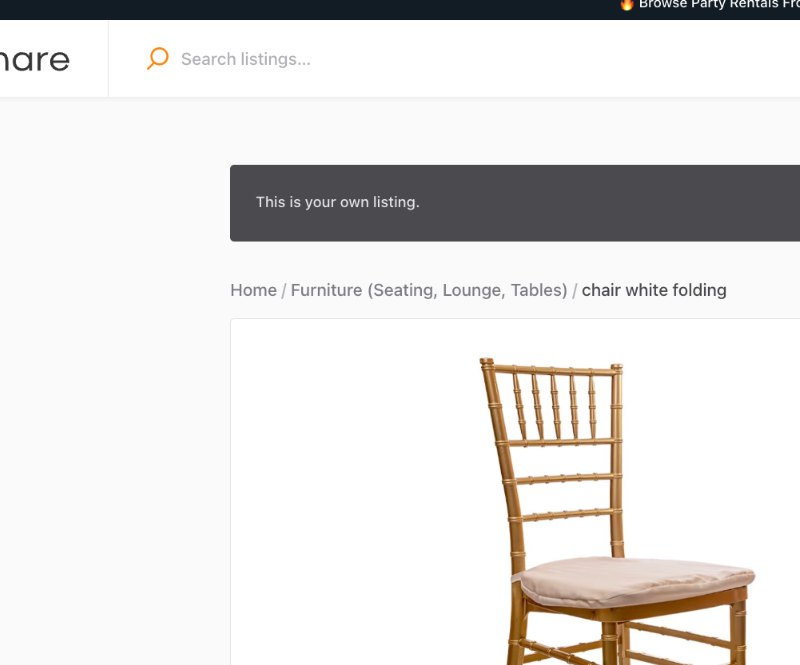
Correct vs. avoid
Good approach
A live walkthrough uses the real beta screens, pauses at decision points, and links every module to the matching Academy guide.
Avoid
A generic marketing presentation talks about PartyShare for 45 minutes but never shows where a vendor actually clicks or what a successful listing/order workflow looks like.
Completion checklist
- Real current beta screens are used.
- The four-step listing workflow is shown accurately.
- Payout setup is demonstrated using the current Stripe-connected flow.
- Policy-sensitive statements use approved language.
- Fulfillment and return checklists are demonstrated.
- Questions are captured for Academy updates.
- A recording is divided into reusable short modules.
Common mistakes
- Recording an outdated workflow.
- Using slides without showing the product.
- Making policy or payment claims not supported by the current beta.
- Skipping return/inspection because it happens after the sale.
- Ending without a concrete vendor action.
Frequently asked questions
How long should the webinar be?
The Section 4 blueprint calls for a 30-45 minute recorded walkthrough.
30-45 minute Vendor Academy walkthrough
- PartyShare opportunity and marketplace model.
- Founding Vendor program, first-mover's advantage, and expectations.
- Account, verification, and payout setup.
- Creating a strong first listing.
- Inventory, quantities, and availability.
- Delivery and pickup.
- Deposits, damage, and cancellation - only approved language.
- Managing an inquiry, quote, or booking supported by the current product.
- Fulfillment and condition photos.
- Returns, reviews, and payouts.
- Support and escalation.
- Questions.
Production plan
Run the walkthrough live at least twice during early vendor recruitment, record the clearest session after the beta workflows are stable, then cut the recording into short modules linked from the matching Academy guides. The web guide and lesson scripts in this package are the production outline; they are not a substitute for recording the actual PartyShare interface.
Completion checklist
- 30-45 minute agenda covers all 12 blueprint topics.
- Current beta screens are used in the walkthrough.
- Policy-sensitive slides use approved language.
- Live session is run at least twice during early recruitment.
- Best stable session is recorded.
- Recording is divided into short modules.
- Modules link back to matching Academy guides.
- Questions are captured and used to update content.