Reviews & Listing Conversion Guide
Use accurate listings, responsive communication, and reliable fulfillment to earn better renter experiences and improve the quality of future listing decisions.
Why this matters
A conversion improvement that creates more confusion or cancellations is not a real improvement. The goal is qualified renter action that the vendor can actually fulfill.
Step by step
Improve the listing first
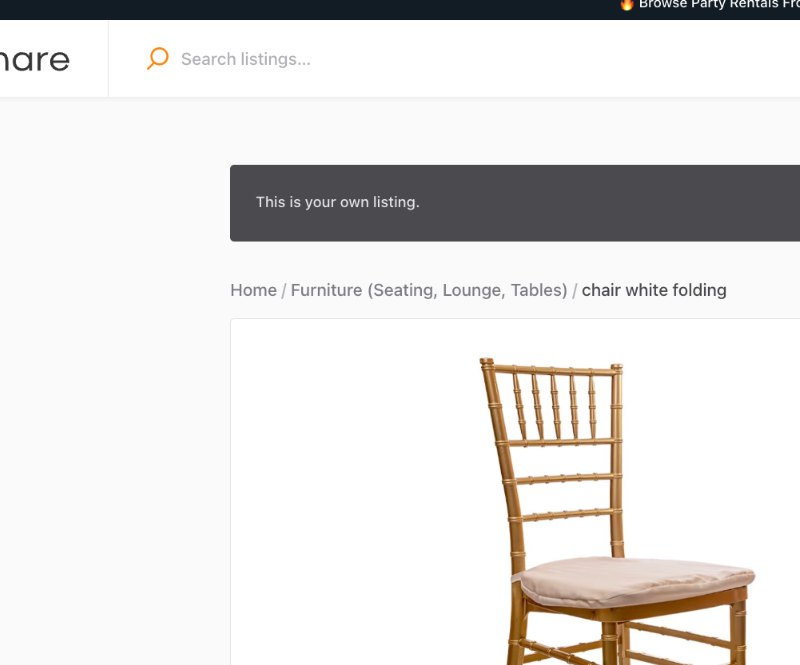
Make sure the item, photos, price, quantity, included items, rules, and fulfillment are accurate before trying to increase traffic.
Respond quickly and specifically
Use Messages to answer renter questions with the exact listing/order context.
Reduce decision friction
Add missing facts that repeatedly block renters from deciding.
Fulfill what the listing promised
On-time, accurate fulfillment is the foundation for a strong post-rental experience.
Review feedback patterns
Use the Reviews area and support feedback to find recurring problems with descriptions, condition, pickup/delivery, or communication.
Ask fairly
If PartyShare requests or supports review collection, do not offer a benefit only for positive feedback.
Correct vs. avoid
Good approach
The listing accurately sets expectations, the vendor communicates clearly, fulfills as promised, and uses recurring feedback to improve.
Avoid
The vendor adds hype to increase clicks, then tries to manage expectation gaps through messages or selective review requests.
Completion checklist
- Photos and copy are accurate.
- Price and fees are understandable.
- Inventory is current.
- Messages answer the actual question.
- Fulfillment matches the listing.
- I review recurring feedback for listing improvements.
- I do not condition incentives on positive reviews.
Common mistakes
- Optimizing for clicks instead of successful rentals.
- Hiding limitations that could reduce conversion.
- Ignoring feedback patterns.
- Asking only happy renters for reviews if the platform policy requires neutral eligibility.
- Treating every low rating as a renter problem instead of checking the workflow.
Frequently asked questions
Where do I find reviews?
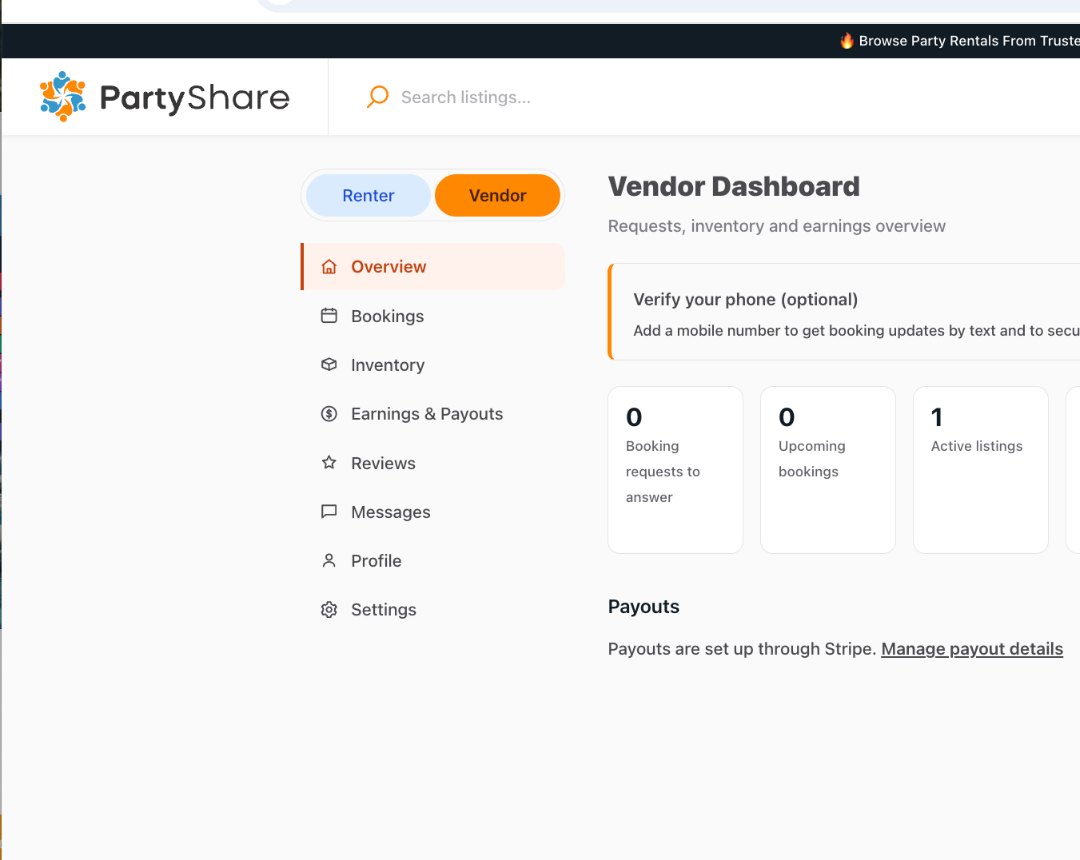
Use Reviews from the Vendor Dashboard.